

Library



The QR code will direct you to a download page, as shown below:
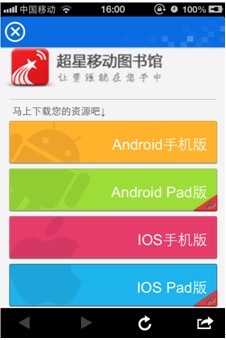
Select your device version (IOS or Android) to proceed. Then, choose “install” or “download”. The iOS version will install automatically. For Android, you will need to download the file first, then install it manually.
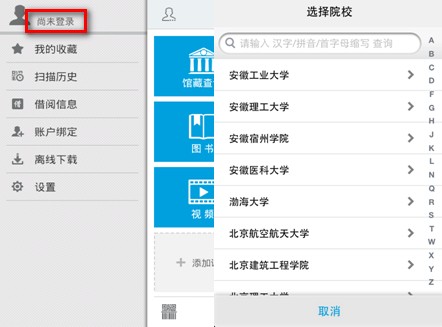
Tap the icon in the top-left corner to access your account, then tap  to select your institution. Choose your institution—for SCUT faculty and students, select “South China University of Technology” from the list under Guangdong Province.
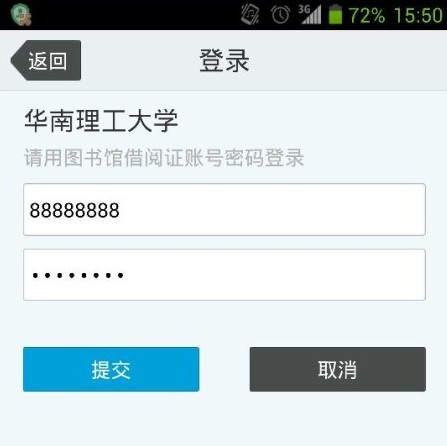
Enter your library card number and password, then tap “Login” to access the Mobile Library.
3. For a detailed user guide, please refer to the Appendix:  Mobile Library App User Guide (doc.)

381 Wushan Road, Tianhe District, Guangzhou, 510641

Guangzhou Higher Education Mega Centre, Panyu District, Guangzhou, 510006

777 Xingye Avenue East, Panyu District, Guangzhou, 511442

+86-20-81182580
sieinfo@scut.edu.cn
© 2025 South China University of Technology. All Rights Reserved. 粤ICP备05084312号